
Authentic. Exclusive. Trusted.
RareDrop Service Station
In development
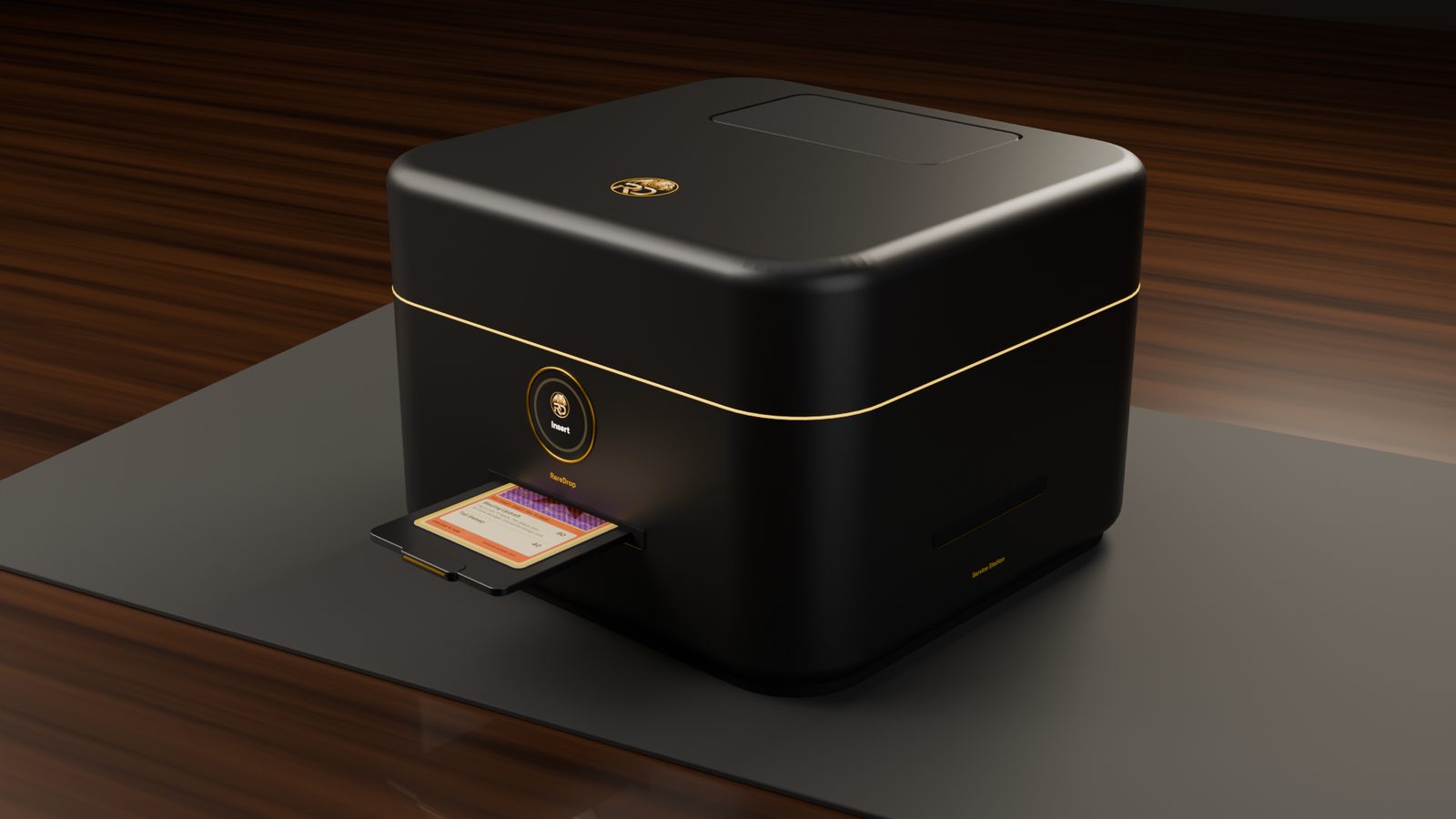
Automated card repair, plus Auto Protect. Slide in a card with a bend, lift or dent, watch the repair live in the RD app, and get it back flatter — sealed in a FlashCase and added to your RD Vault.
In development: the features below describe the planned RareDrop Service Station. Images and video are concept renders.
Part of the RareDrop device family, alongside the RareDrop Radar Station, RareDrop FlashPro and RareDroplet Station.
Headline feature
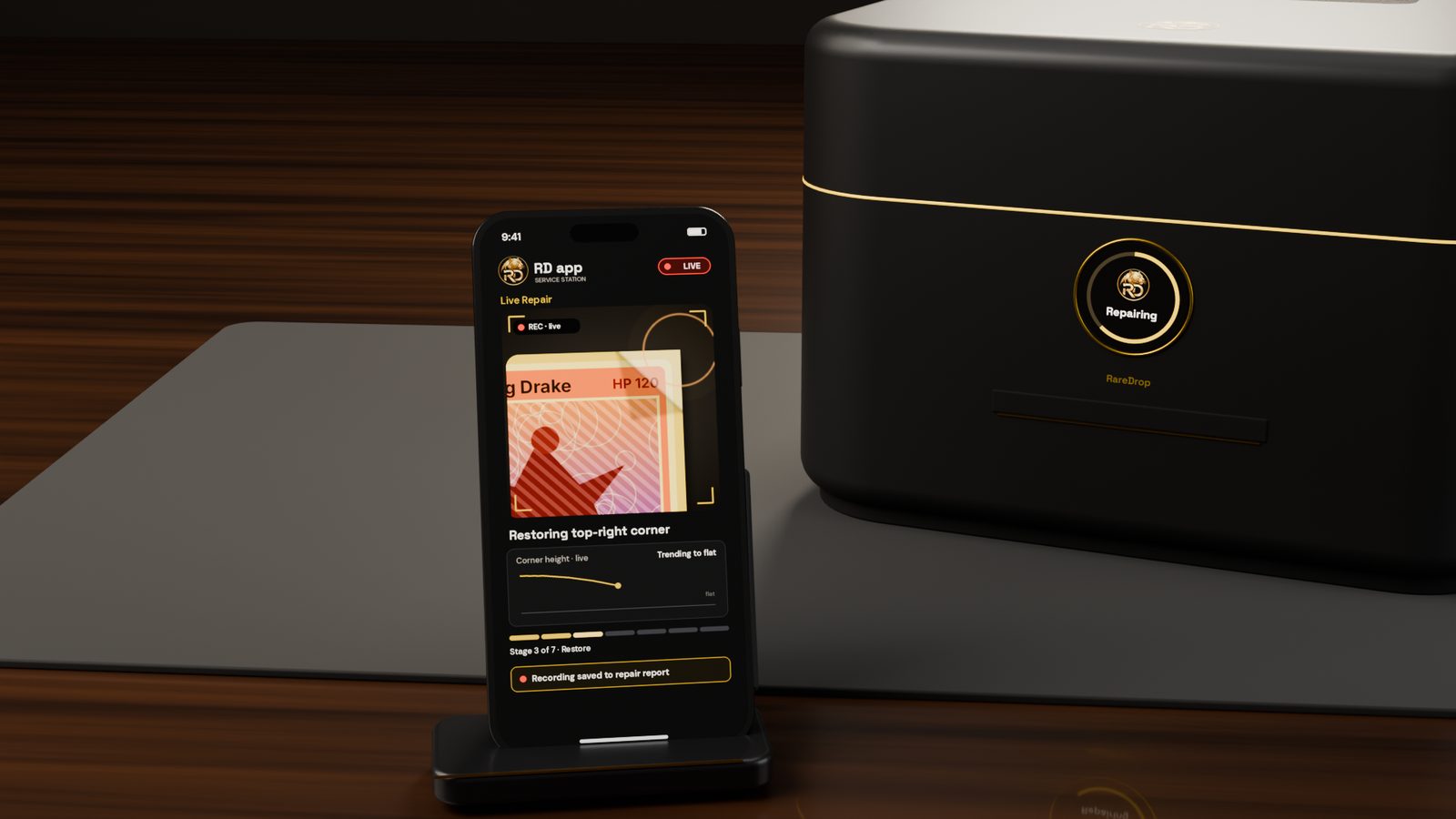
Live Repair
Watch every step of your card's repair live in the RD app.
- Live video of your card's repair, right in the RD app.
- Each stage labeled as it happens — Analyze, Clean, Gentle restoration, Flatten, Condition, Auto Protect.
- Live progress, from start to sealed.
- The recording is saved with your repair report, so you can replay it or share it.
Prefer to look up from your phone? A smoked viewing window on top lets you see your card while it works.
Concept film
Live Repair
Watch every step of your card's repair live in the RD app — each stage labeled as it happens, with live progress. The recording is saved with your repair report.
Finds the damage for you
A detailed scan maps lifts, bends, dents, warping and dirt — then shows you the repair plan in the RD app before anything starts.
Gentle, targeted care
Gentle, controlled restoration focused only where your card needs it, with an extra-gentle approach for holo and foil cards.
Carefully flattened
Your card is carefully flattened and held flat while it settles, then returned to room conditions so the fix holds.
Auto Protect
Every repaired card is sealed into a tamper-evident FlashCase with an NFC link to that card's RD Vault entry.
A repair report for every card
Before and after scans, the defects found and every step performed — tied to that exact card.
Private by default
Your repair report is yours. Share it with a grading submission or a buyer, or keep it to yourself.
Smoked viewing window
A smoked viewing window on top lets you see your card while it works.
How it works
- 1
Insert
Place your card in the slim carrier tray and slide it into the front slot.
- 2
Analyze
A detailed scan finds lifts, bends, dents, warping and dirt. The repair plan appears in the RD app, and nothing starts until you approve it.
- 3
Clean
Dust is gently removed first.
- 4
Gentle restoration
Gentle, controlled restoration focuses only on the damaged spots — with an extra-gentle approach for holo and foil cards.
- 5
Flatten
Your card is carefully flattened, then held flat while it settles.
- 6
Condition
Your card is returned to room conditions so the fix holds.
- 7
Auto Protect
Your card is sealed into a FlashCase with an NFC link to its RD Vault entry. The seal is tamper-evident.
What it repairs — and what it doesn't
Service Station repairs a card's structure. It doesn't repaint, rebuild or disguise anything.
Repairs
- Bends
- Corner and edge lifts
- Dents
- Warping
- Surface dirt and dust
Does not
- Recolor whitening
- Fix tears
- Replace missing material
Your repair report, your call
Every repair produces a report linked to that exact card: before and after scans, the defects found, each step performed and the Live Repair recording. It's private by default.
Before and after
Scans from before and after the repair, the defects found, the steps performed and the Live Repair recording to replay.
Private by default
Only you can see a repair report until you decide otherwise.
Share when you choose
Attach the report and recording to a grading submission, share them with a buyer, or keep them private.
Grading companies set their own policies on repaired or pressed cards. Check the policy of any grader before you submit a repaired card.
Up close
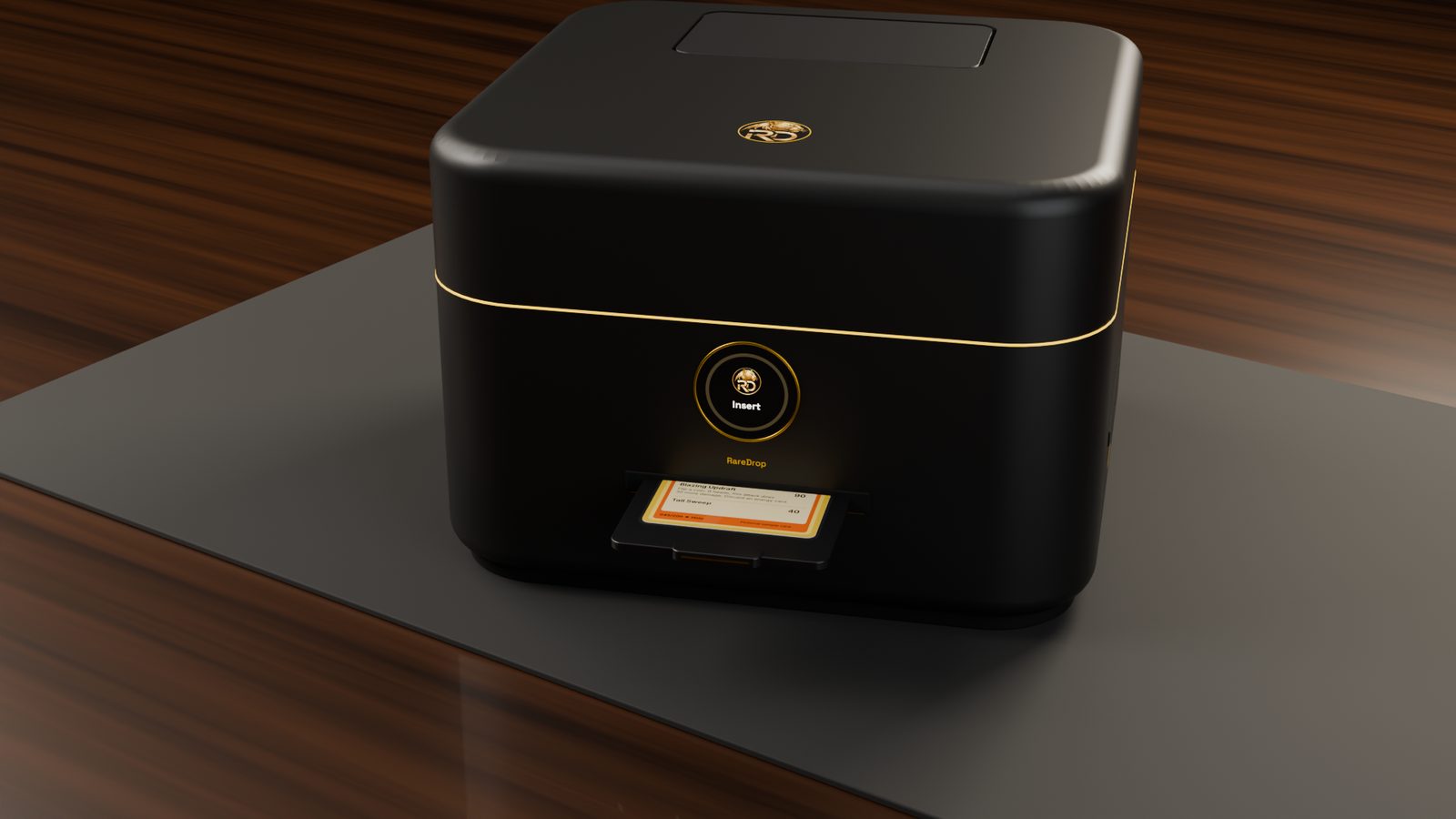
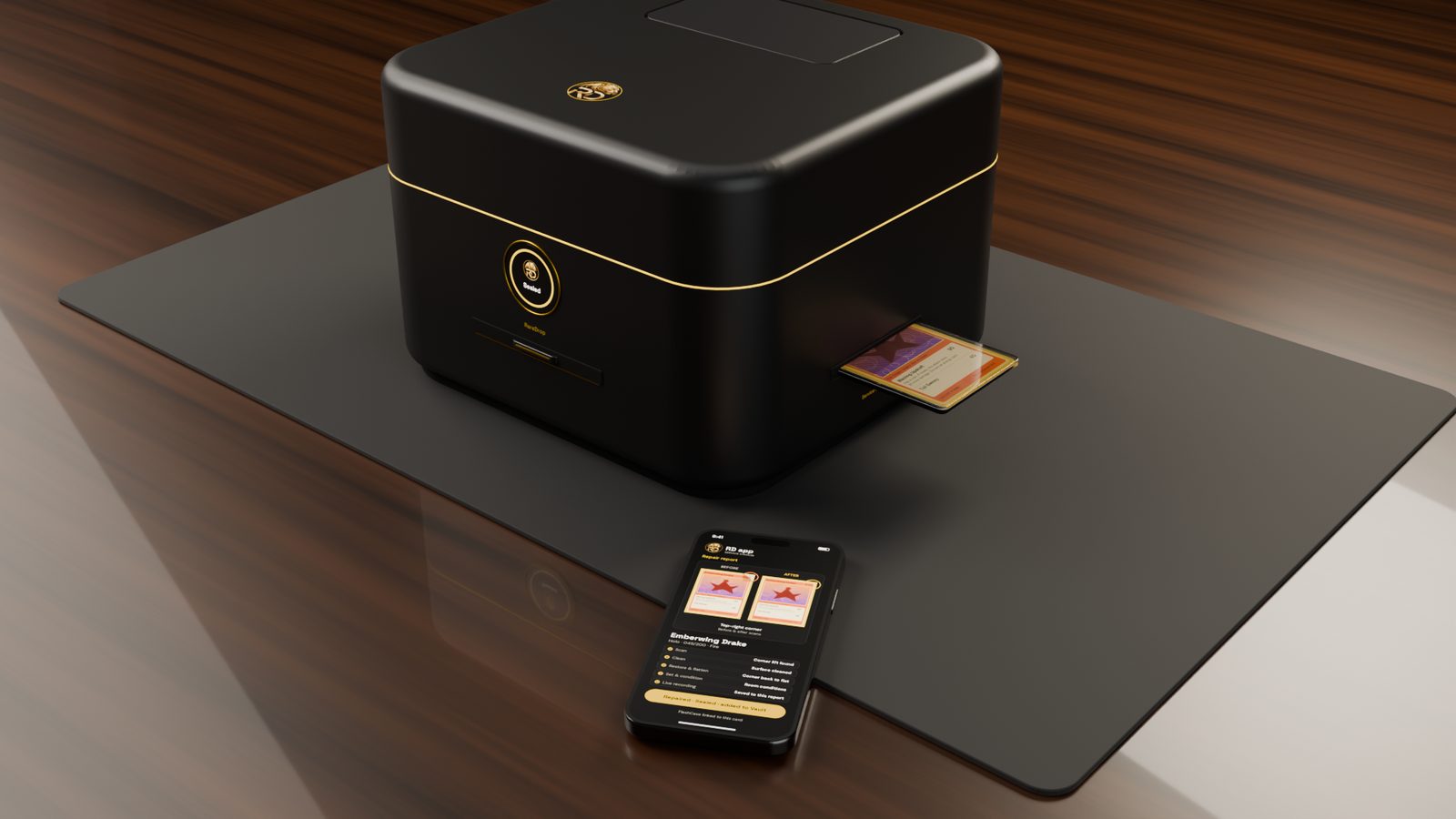
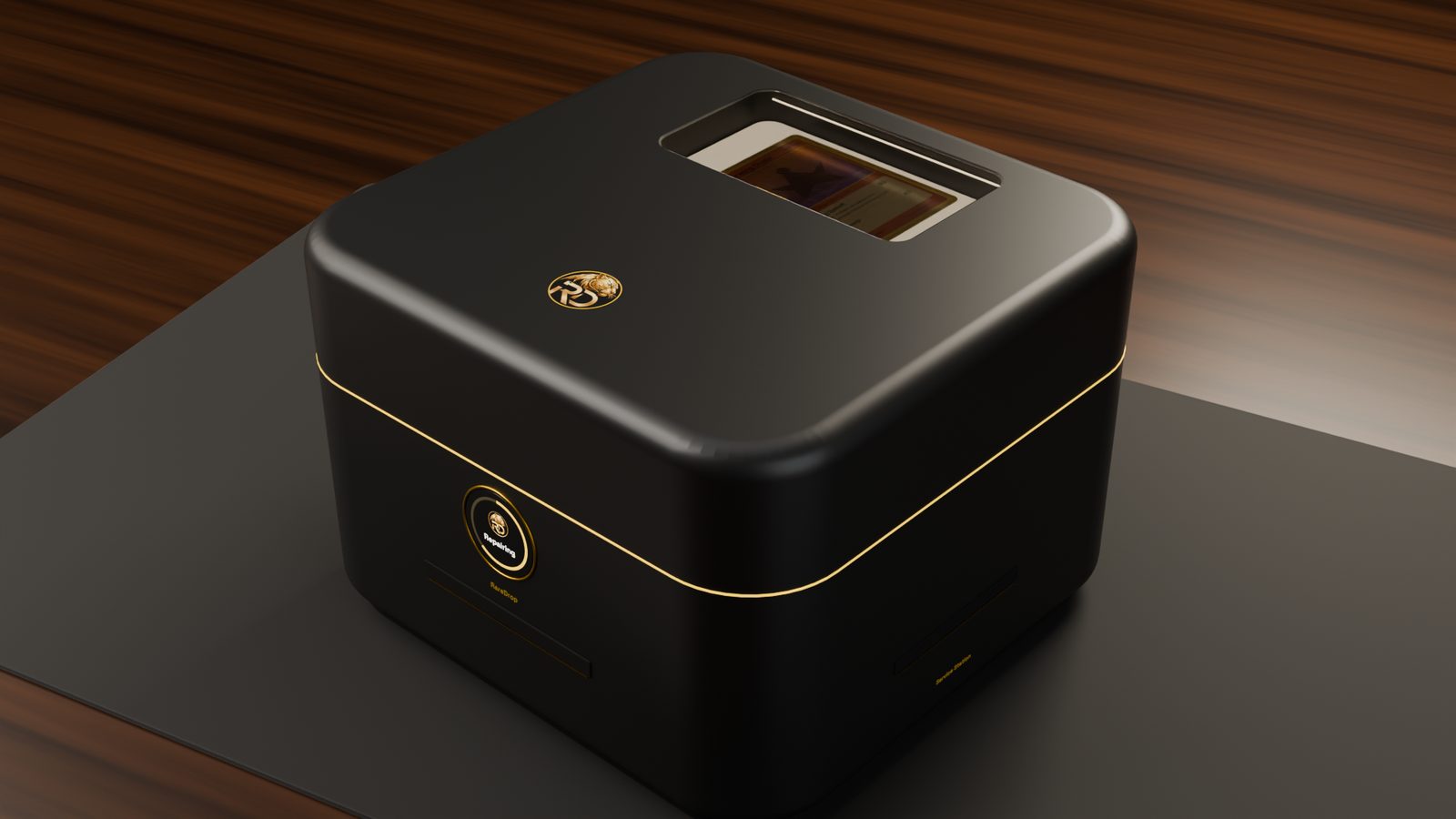
Concept renders — in development.
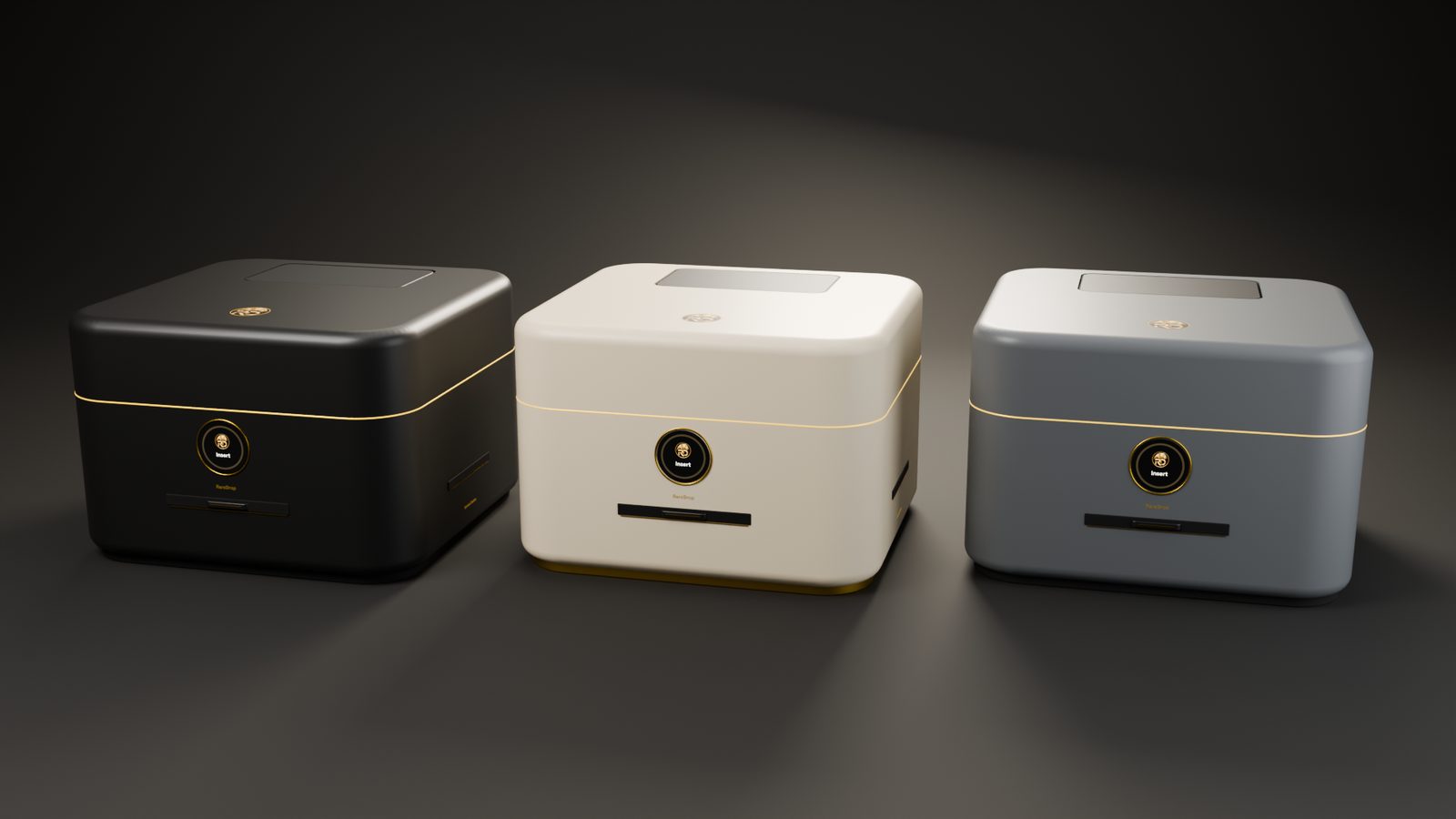
Three colorways
- Black & Gold
- Cream & Gold
- Stone Gray
In the RD app
Service Station connects over Wi-Fi. Approve each repair plan, queue up cards, and watch every repair live from start to finish — until it reads Repaired · Sealed · added to Vault.
Wi-Fi connected
Set it up once in the RD app.
Queue and track
Line up repairs and follow each one with Live Repair.
Straight to your Vault
Each sealed card is linked to its RD Vault entry.
Consumables
Water cartridge
The built-in reusable water cartridge takes distilled water only. Refill it with plain store-bought distilled water: no special solution and no paid refills.
FlashCase refills
Official RD FlashCase refills keep Auto Protect ready for your next card.
Service Station availability
Coming soon- RareDrop Service StationComing soon
Membership plans announced soon.
No payment is taken on this page.
Get launch updates
Free — we'll email you RareDrop Service Station news only. No payment, no deposit, no pre-order, and it doesn't sign you up for other devices.
We use your email only for these updates. See our privacy policy.
Good to know
- Repairs structure: bends, lifts, dents, warping and dirt.
- Does not recolor whitening, fix tears or replace missing material.
- Every repair plan is shown in the RD app for your approval first.
- Live Repair: watch each repair live in the RD app, stage by stage; the recording is saved with your repair report.
- A smoked viewing window on top lets you see your card while it works.
- Every repaired card is sealed in a tamper-evident FlashCase linked to your RD Vault.
- Repair reports are private by default; you choose whether to share them.
- Three colorways: Black & Gold, Cream & Gold and Stone Gray.
- Refill the built-in water cartridge with plain store-bought distilled water only; Auto Protect uses official RD FlashCase refills.
Coming soon — no ship date has been announced, and no payment is taken on this page.